Turn Your Articles Into Scheduled Pinterest Pins
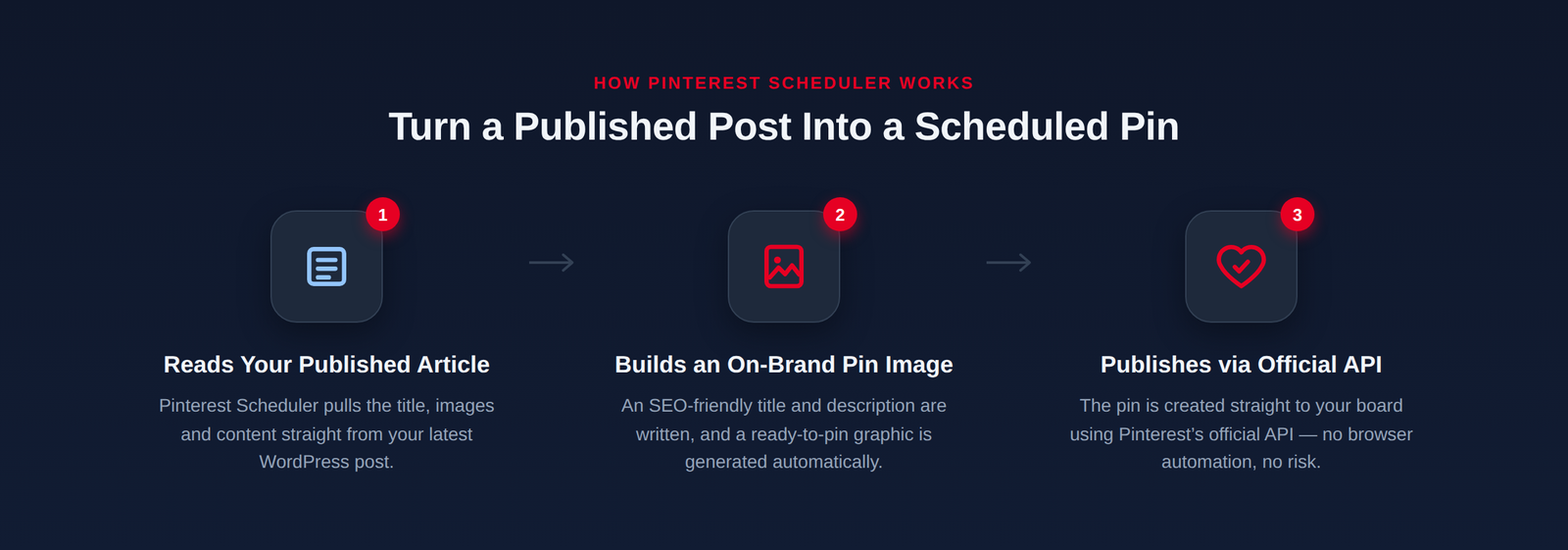
Pinterest Scheduler reads your published article, writes SEO-optimised titles and descriptions with your exact Pinterest SEO framework, builds the pin images, and creates them straight to your board using Pinterest’s official API – no browser automation, no policy risk.
Official OAuth login – your Pinterest password never touches our servers.
Separate license from Content Studio Bot – own credits, own pricing

How It Works
1. Connect Pinterest
One click opens Pinterest’s own login screen. Authorize the app and you are connected – no email or password stored on our end.
2. Article Details
Paste your keyword, title, URL and board name. First time on a topic? It creates the board. Posting again? It finds the existing one.
3. Pinterest-Native Copy
Writes multiple high-CTR titles (55-60 characters) and save-worthy descriptions using a dedicated Pinterest SEO framework.
4. On-Brand Pin Images
Single bold-text image, 4-photo collage, or clean image with no text – consistent or varied across the batch.
5. Scheduled Automatically
Pick how many pins and the gap between them. Pins are created straight to your board through Pinterest’s official API.
6. Separate From Content Studio
Its own license and credits – keeps your blog-writing tool and Pinterest tool completely independent.
Pricing
One simple plan. Full access to every feature for 1 month.
Questions before you buy? Chat with us on WhatsApp
Frequently Asked Questions
Is this the same as Content Studio Bot?
No – Pinterest Scheduler is a separate tool with its own license and credits. It complements Content Studio Bot but does not share billing with it.
Do I need a Pinterest Business account?
A standard Pinterest account works. A Business account is recommended for analytics but is not required to connect.
Is my Pinterest password safe?
Yes – we use Pinterest’s official OAuth login. Your password is entered only on Pinterest’s own site and is never seen or stored by us.
Does it use browser automation?
No. It connects through Pinterest’s official API, which is safer and more reliable than simulating a browser.
Get Started
Questions before you buy?
© 2026 Content Studio · Pinterest Scheduler for WordPress publishers